Frisk's JavaScript Tutorial
Want to learn the basics of JavaScript? This is an easy tutorial for beginners to understand!
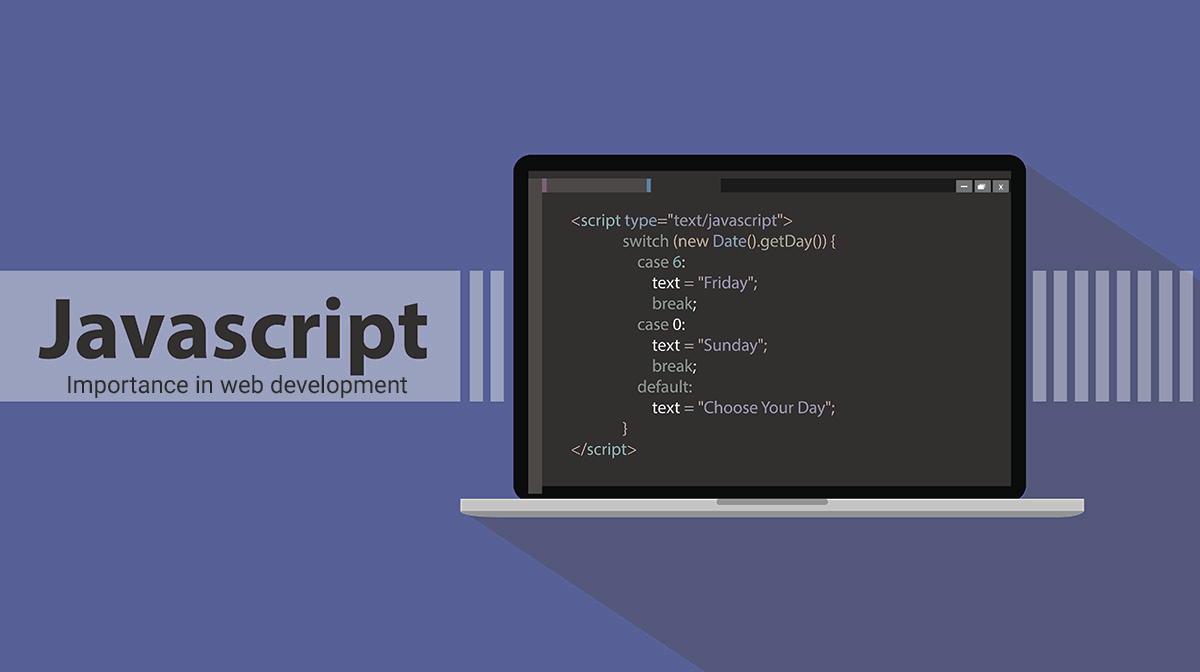
Want to learn the basics of JavaScript? This is an easy tutorial for beginners to understand!
JavaScript is a programming language that works with HTML and CSS to make websites more interactive and more complex and around 98% websites on the internet use Javascript! JavaScript is usually shortened down to JS when talking about it and is how this tutorial will be reffering to it. So really, what can JS do? Well, it can be used to make variables that include important values in them. It also can use operations really easily, making it simple to just add two pieces of text, also known as strings, together. You can also use things like alerts and onclick events while using JS.
Using JS, and learning it, is quite simple and easy. The simplest way to try JS for yourself is to enter the Console. To enter the Console on Chrome, you can use the shortcut CTRL+SHIFT+I or go to the top right of your screen and press the three vertical dots and click More Tools->Developer Tools. If you are making a website, however, you can put your JS code externally or in your head and/or body tag. To put JS in your website you have to use a script tag. Using <script> </script> will make it so you can add JS to your website!